

5 Ergonomic Tips for Using Stand Tables Without Causing Fatigue
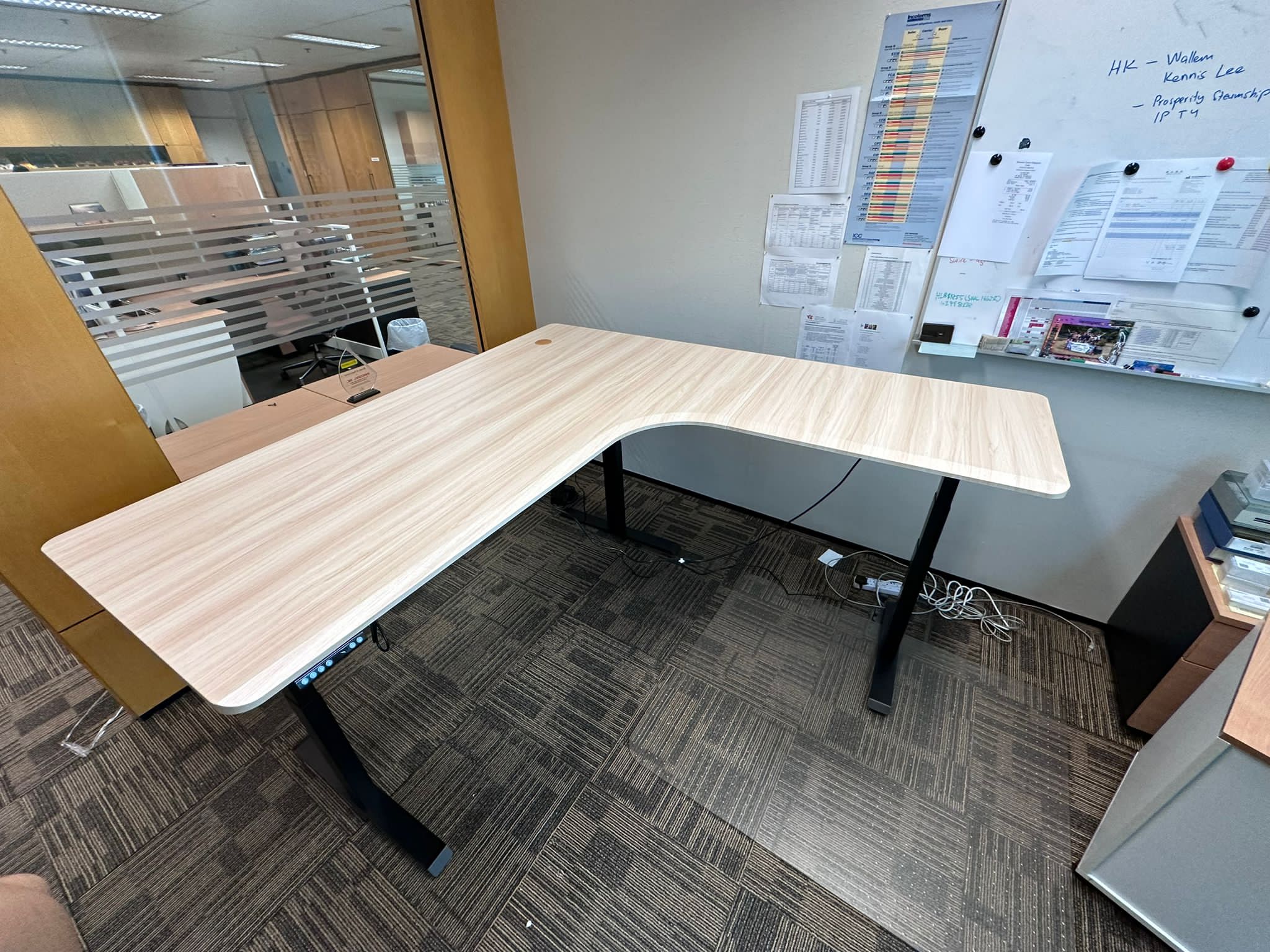
One of the best ways of being active at work is by using a standing desk. Many people in Singapore are moving away from sitting all day to improve their health. However, standing for too long without the right form can lead to tired legs and a sore back. It’s important to know how to use your table correctly to get the most out of it.
That said, this guide contains five easy tips that would help you comfortably stand for long periods at your desk. As a result of these steps, you’ll prevent mistakes that can make you fatigued.
1. Find the Perfect Standing Height
The first and most significant thing is to adjust your desk to the proper level. When resting your arms on the table, your elbows should be at a right angle. With a desk that is too high, your shoulders may be tense. When it’s too low, you’ll lean forward and strain your back.
An adjustable standing desk allows you to have this ideal position at one touch of a button. You can save your favourite heights so the desk moves to the right place every time.
At Tableholic, our L-shaped standing desk features a dual-motor system that moves at 60mm per second and can support up to 120kg to keep you in a healthy position.
2. Wear Supportive Shoes
Hours of standing on a hard floor may cause discomfort in the feet and knees. Wear shoes which are supportive and have good cushions. Do not stand on a cold floor in plain flip-flops or bare feet for a long time. Good shoes will evenly distribute your weight, so you do not get tired easily.
When having to work at home, it’s advisable to use a soft mat under your feet. This adds an extra layer of comfort. We offer the best tools and advice to make sure your standing setup feels great all day long.
3. Shift Your Weight Often
Staying still for a long period of time affects your blood flow. So change your position after every few minutes, alternating between both feet. Muscles can be kept active and prevent stiffening with simple stretches or by marching in place while responding to emails.
The key to pain-free use of a standing desk is movement. By the end of the day, even small adjustments in your position can do you good. At Tableholic, we design our desks to give you plenty of space to move around freely while you handle your office tasks.
4. Follow the 20-80 Rule for Sitting and Standing
You should not try to stand for your entire 8-hr workday right away. Combining sitting and standing provides your body with the rest it needs. A typical goal is to have 20 minutes of standing every hour of work. You can stand longer without being tired as time goes by.
A change of position helps keep your mind alert and your body refreshed. Afternoon drowsiness can also be avoided when you change your position every now and then. Our standing desks are reasonably priced and let you adjust your setup in seconds to suit your needs.
5. Keep Your Screen at Eye Level
It’s necessary to position your monitor correctly each time you stand or sit down. Have your eyes at the same level as the top of your monitor screen to maintain a straight back. Bending your head down for a long period of time can result in “tech neck”, which is very uncomfortable.
Make sure your screen moves up with your desk so your neck stays straight. This keeps your posture perfect whether you are sitting down or standing up. At Tableholic, our E-DESK model has a dual-motor system and three-column lifts, allowing the monitor to be raised to 1250mm, ensuring optimal height.
Final Thoughts
Using a standing desk is a smart move for your long-term health and focus. By setting the right height and moving often, you can enjoy all the benefits of standing without unnecessary fatigue. These five tips will help you create a better routine for your daily work life.
Ready to build a workspace that supports your health and boosts your focus? At Tableholic, we provide the best electric standing desks in Singapore with smooth dual-motor systems and memory presets. Please contact us today to find the perfect adjustable desk for your home or office.